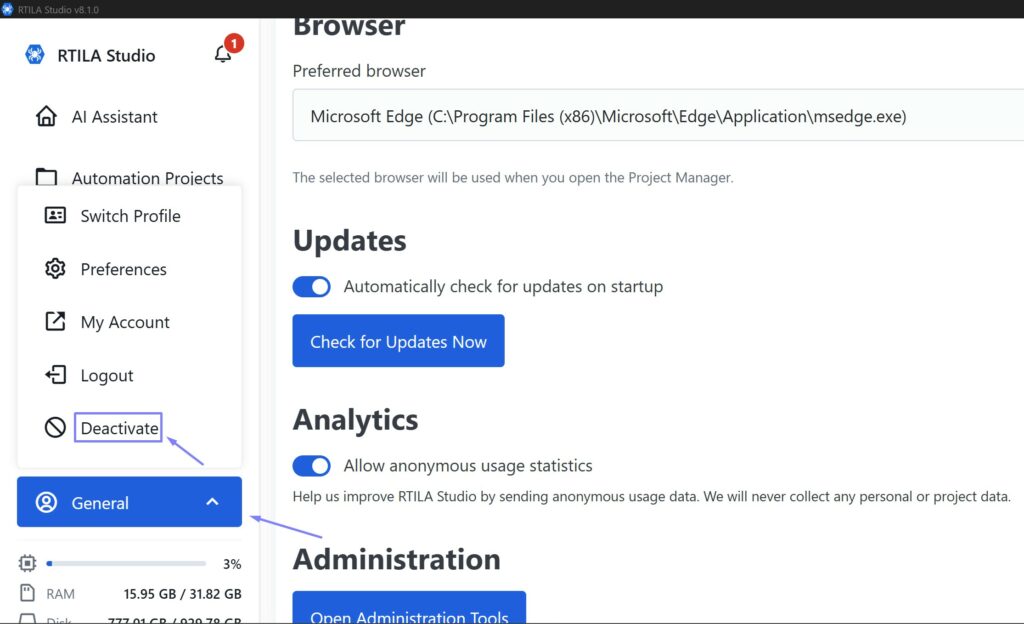

Warning: De-activating the new V8 License key to use a different license key will reset all your settings and data and any projects or results will be deleted. Make proper export and backup of your settings, projects and results before Deactivating the license.
To Deactivate current License key activation on RTILA V8 Studio simply click on on “General” on the left menu, and then on “Deactivate”. Once that done you will be requested to enter a license key to activate again RTILA Studio on the next launch.